


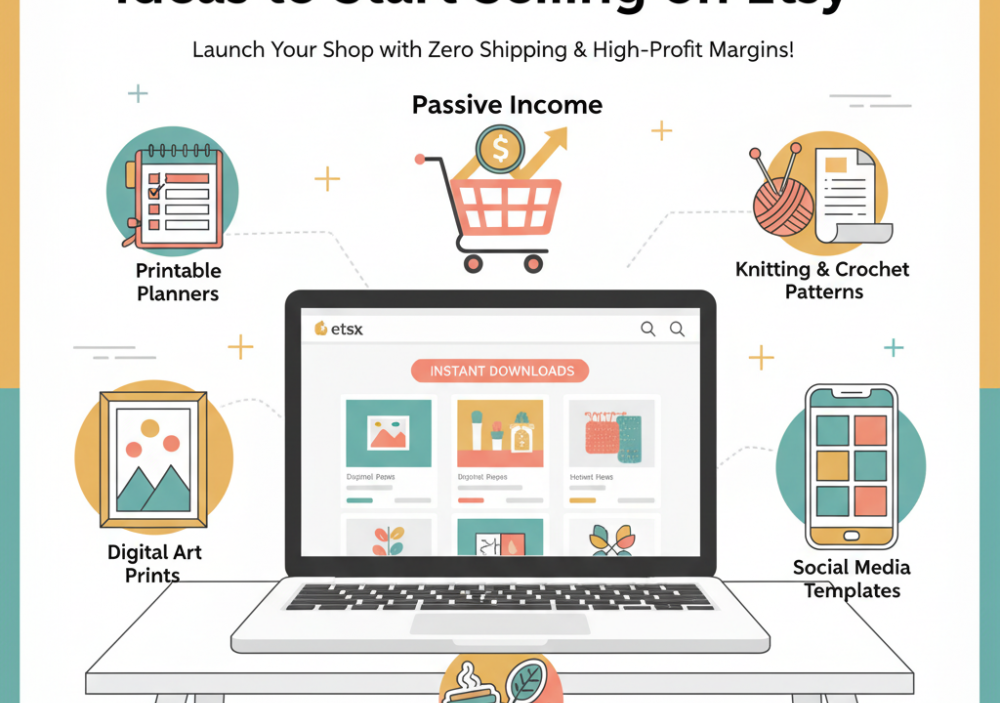
5 Easiest Digital Product Ideas to Start Selling on Etsy
Thinking of starting an Etsy shop but don't want to deal with inventory, shipping, and physical products? Digital products are your answer! They offer fantastic profit margins, require zero shipping, and once you create them, they can generate passive income for years. Plus, they're incredibly easy to get started with. Here are 5 beginner-friendly digital product ideas to launch your Etsy journey.
Why Digital Products are Perfect for Etsy Beginners
- **No Inventory:** You create it once, sell it infinitely.
- **Zero Shipping:** No trips to the post office, no tracking numbers.
- **High-Profit Margins:** Mostly pure profit after your initial creation time.
- **Global Reach:** Sell to anyone, anywhere in the world, instantly.
- **Low Start-Up Costs:** Often just software you already own or free tools.
Top 5 Easy Digital Product Ideas for Your Etsy Shop
1. Printable Planners & Trackers
Everyone loves to be organized, and printable planners, calendars, and trackers are incredibly popular on Etsy. From daily to-do lists to budget trackers, fitness journals, or even specialized wedding planners – the possibilities are endless.
- **Why it's Easy:** Design a few pages in Canva (free!), export as PDF, and list.
- **Niche Ideas:** Student planners, meal planners, habit trackers, Etsy shop planners.
- **Tools:** Canva, Adobe InDesign (for more advanced designs).
2. Digital Patterns for Handmade Items (Knitting, Crochet, Sewing)
This is where your passion for handmade crafts can seamlessly transition into digital passive income! If you love knitting, crocheting, or sewing, you likely create unique designs. Instead of just selling the finished product, sell the instructions!
- **Why it's Easy:** You've already done the design work for your physical items. Simply document the process clearly.
- **Niche Ideas:** Detailed knitting patterns for sweaters/scarves, easy crochet patterns for blankets/amigurumi, sewing patterns for bags/clothing.
- **What to Include:** Step-by-step instructions, clear photos (of the finished item), yarn/material recommendations, sizing guides, difficulty level.
- **Tools:** Microsoft Word/Google Docs (for text), Canva (for layout and visuals), good camera for finished product photos.
3. Digital Art Prints & Wall Decor
If you have an eye for aesthetics or basic graphic design skills, digital art prints are a fantastic choice. Customers purchase a high-resolution file, download it, and print it themselves at home or a local print shop. This saves them money and allows for instant gratification.
- **Why it's Easy:** Create once, sell forever. No need to manage physical prints.
- **Niche Ideas:** Abstract art, minimalist quotes, nursery decor, seasonal illustrations, retro designs.
- **Tools:** Procreate, Adobe Photoshop/Illustrator, Canva.
4. Social Media Templates (Canva Templates)
Small businesses, content creators, and individuals are always looking for aesthetically pleasing and easy-to-use social media templates. Creating customizable Canva templates for Instagram posts, stories, Pinterest pins, or even Facebook banners is a highly sought-after skill.
- **Why it's Easy:** Design a set of templates in Canva, create a "template link," and sell it. Canva handles the customization for your customers.
- **Niche Ideas:** Instagram carousel templates for coaches, Pinterest pin templates for bloggers, motivational quote templates.
- **Tools:** Canva (essential).
5. Digital Stickers & Clip Art
With the rise of digital journaling (Goodnotes, Notability) and digital scrapbooking, digital stickers and clip art sets are extremely popular. These can be hand-drawn, digitally illustrated, or even curated from public domain elements.
- **Why it's Easy:** Once created, they are simple image files (PNG with transparent backgrounds) ready for instant download.
- **Niche Ideas:** Planner stickers (seasonal, productivity, decorative), themed clip art sets (e.g., "cottagecore" elements, pet illustrations), journaling prompts.
- **Tools:** Procreate, Adobe Illustrator, Affinity Designer.
Getting Started on Etsy: Your First Steps
Once you've chosen your digital product idea:
- **Create Your Product:** Design it beautifully and ensure it's high-quality.
- **Prepare Your Files:** Package them as easily downloadable PDFs, PNGs, JPGs, or template links.
- **Open Your Etsy Shop:** It's a straightforward process.
- **Create Your Listing:** Write a compelling title, description (with keywords!), and use attractive mockups (Etsy's photos for digital products).
- **Set Up Instant Downloads:** Etsy automates the delivery of digital files after purchase.
Etsy offers an incredible platform for creatives to turn their passion into profit, and digital products are one of the fastest, most beginner-friendly ways to get started. Pick an idea, create something beautiful, and launch your shop today!
Leave a Comment